
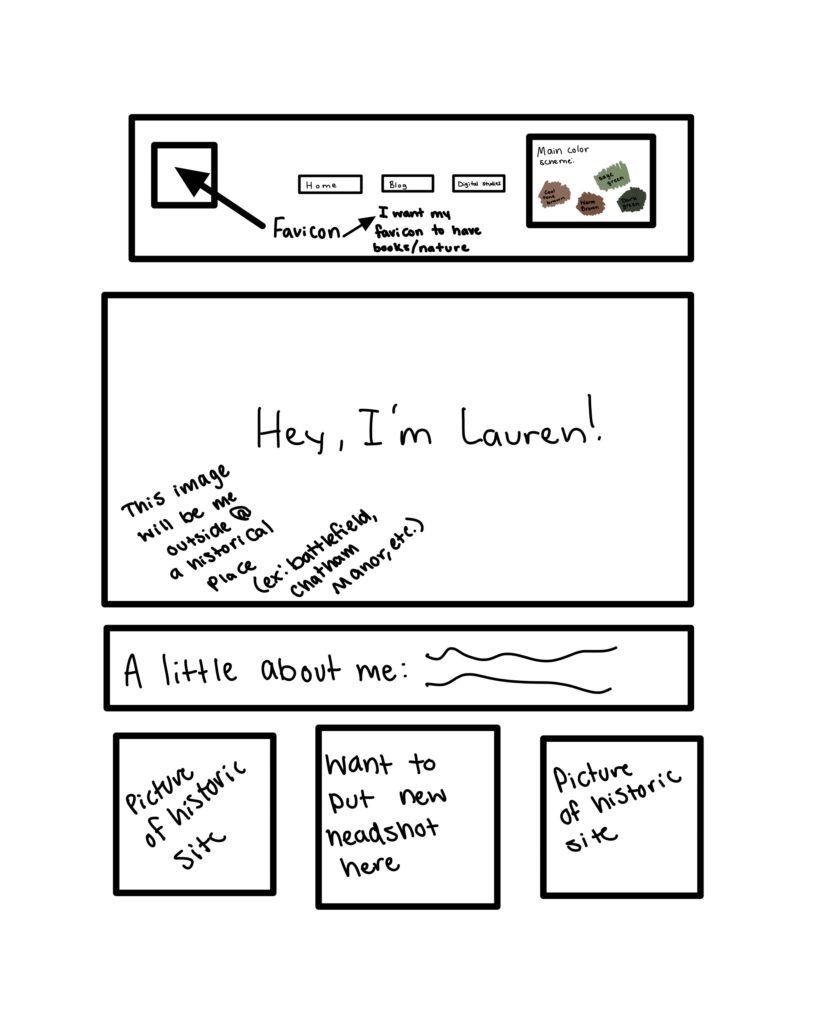
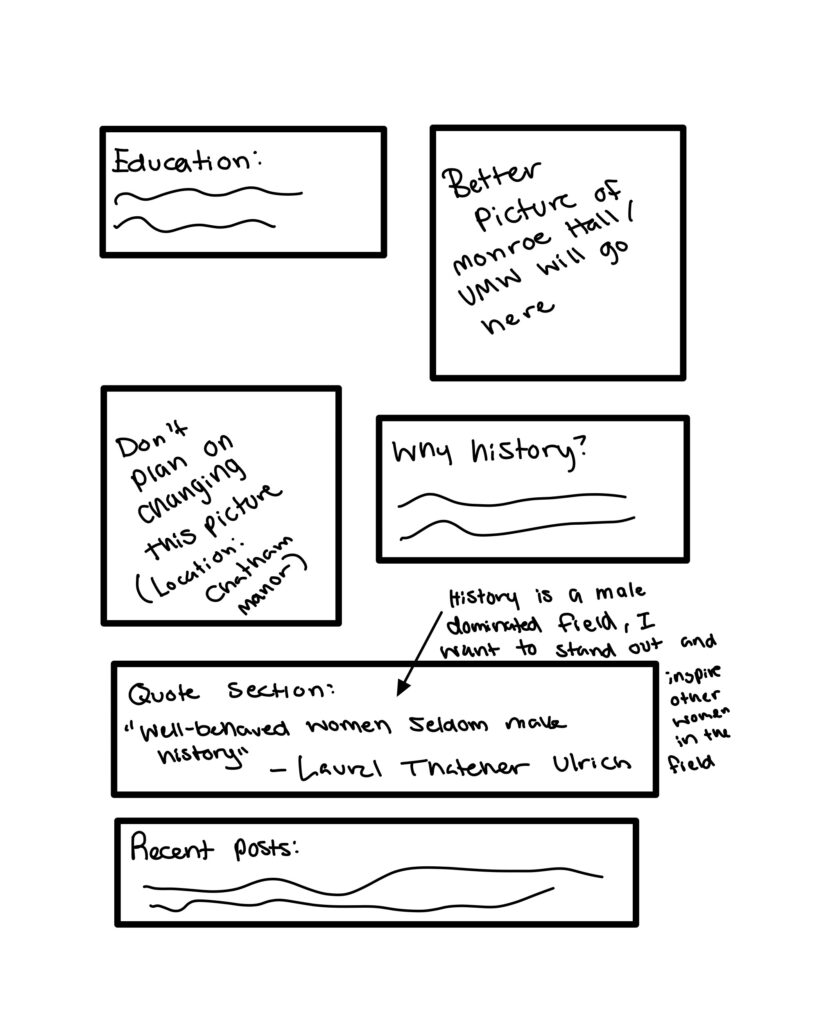
There are three main images that I want to create for my website, a headshot, a favicon or website logo, and a few different photos featuring historical sites to fill in the gaps on my home page. The color scheme I hope to achieve for these photos is in the top right corner of the first image shown on the left. These colors include dark and light browns which I think will give my page a professional feel while not making it completely lifeless. The reason why I went with these two specific colors is that I think they embody the study of history very well. When I think of brown it often brings the thought of books or a library to mind, which are both obviously very important when studying history. When I think of green, I immediately think of the outdoors, which is another important aspect of the study of history because there are many historical places to visit that require you to be outside to enjoy. I think it will be very easy to achieve this color scheme as the photos of different historical places and the new photo of Monroe Hall will be taken outside.
I would also like to implement these colors into my headshots. I plan on taking two different groups of headshots, some outside and some in a photo studio. For the headshots I photograph outside, it will be very easy to achieve the natural aesthetic that I want to create due to there being plenty of foliage surrounding the University of Mary Washington’s campus right now. For the group of headshots that I want to photograph in a studio, I plan to choose a light green back drop to keep with the color scheme while also not making the picture look too dark by using a color such as brown. To execute these photos, I plan on renting a camera from the Hurley Convergence Center and utilizing the filming studio in the basement to take the indoor headshots. I also plan to talk to the Digital Knowledge Center on learning how to photoshop to make my photos look more refined.
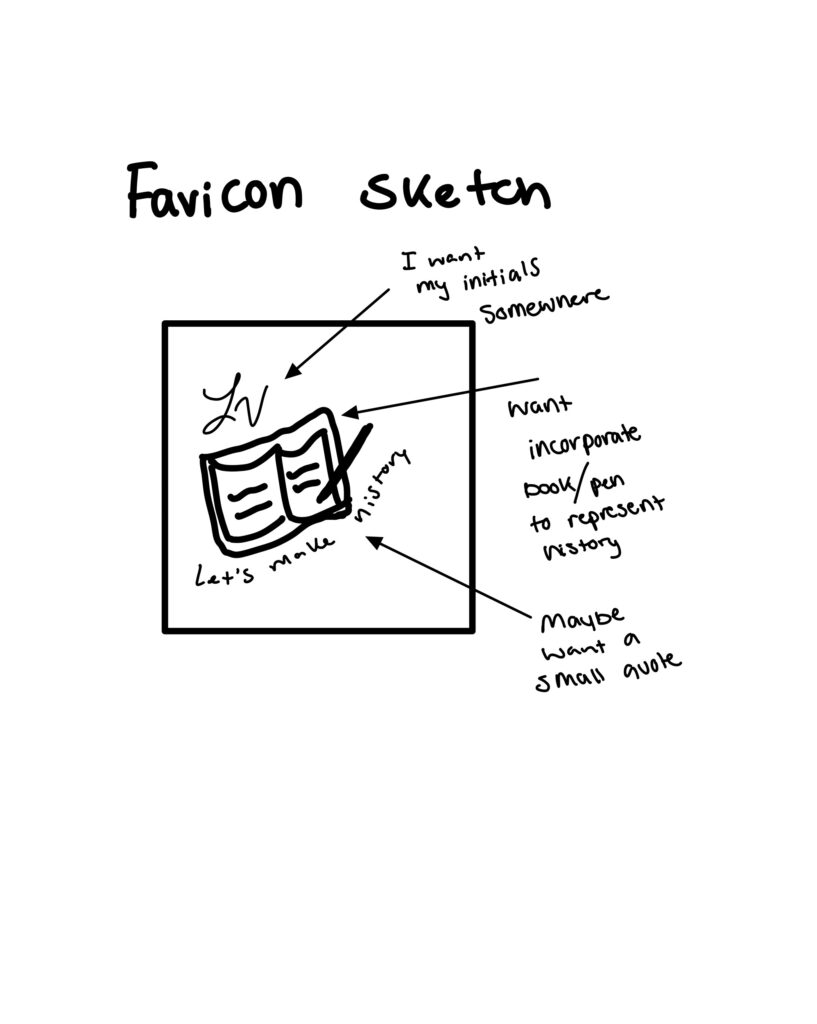
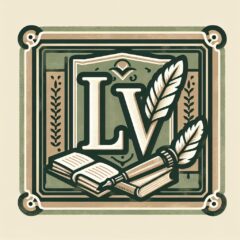
Finally, I plan to create my favicon which will be created fully online. The tool that I have the most experience with and I find the easiest to work with is Canva. Canva is an easy application which allows you to create digital images for many different projects, such as website logos or banners. The brainstorming sketch of my new favicon can be seen on the right in the photo gallery displayed. I have already created a favicon however; I have run into some issues with the one I have already created. The first issue was that you could not see the quote or the flower that was on it, to get rid of this issue on my new favicon I plan on just putting and enlarged outline image of a book and a pen. I believe both represent the study of history well and will be able to be seen better on the corner of an open tab. The second issue I ran into was that you cannot clearly read my name on the favicon, to fix this I plan on using just my initials as that will make it so I can make the font on the letters larger while still adding a personal touch to the favicon. My final issue with my original favicon is that the quote, “Let’s Make History” cannot be seen. Due to this I have decided to simply get rid of the quote so my website visitors can focus more on the image of the book and pen. Overall, after my first attempt at a favicon, I understand now that it cannot be overly detailed.